
MeetingCost
See What Meetings Really Cost
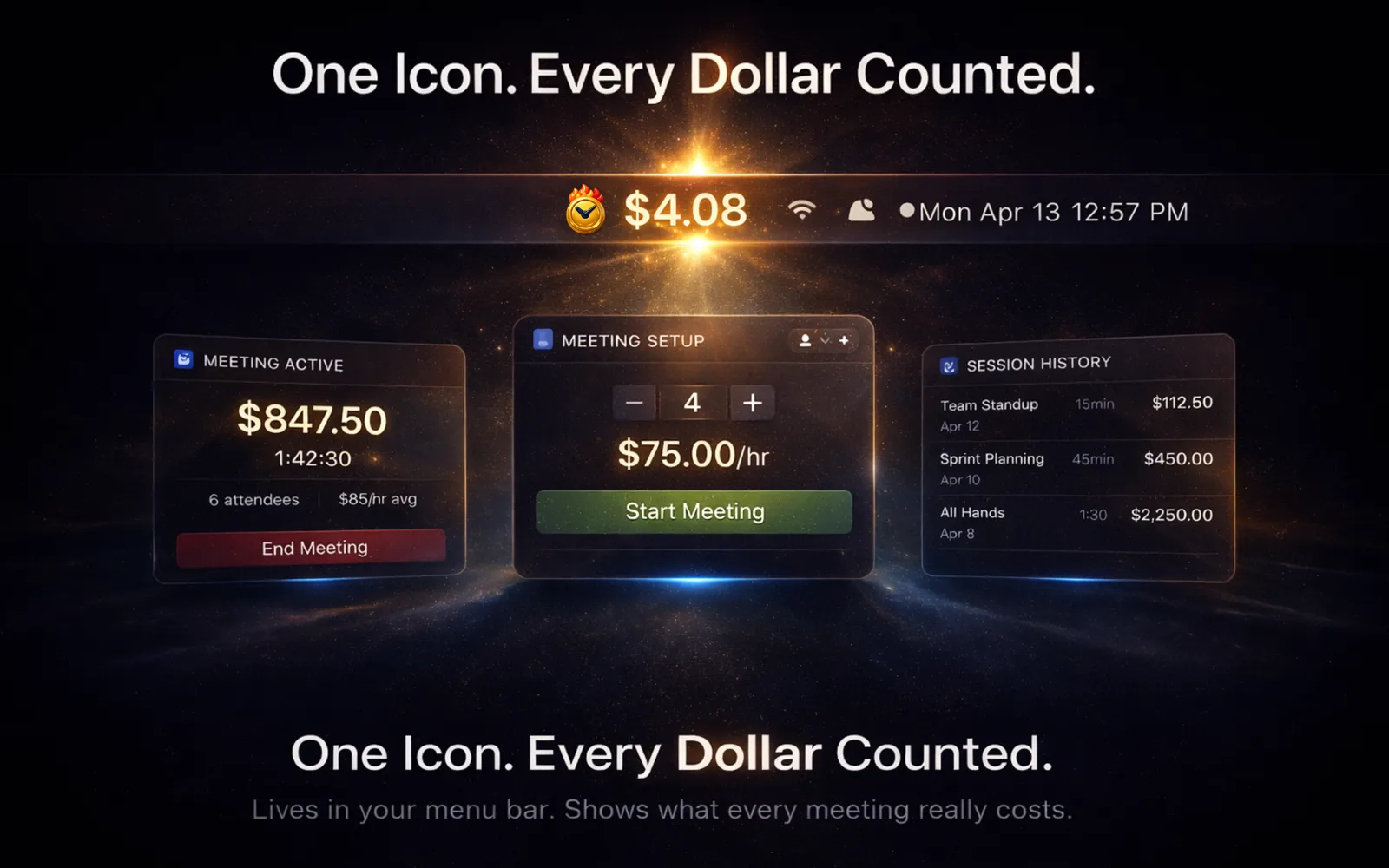
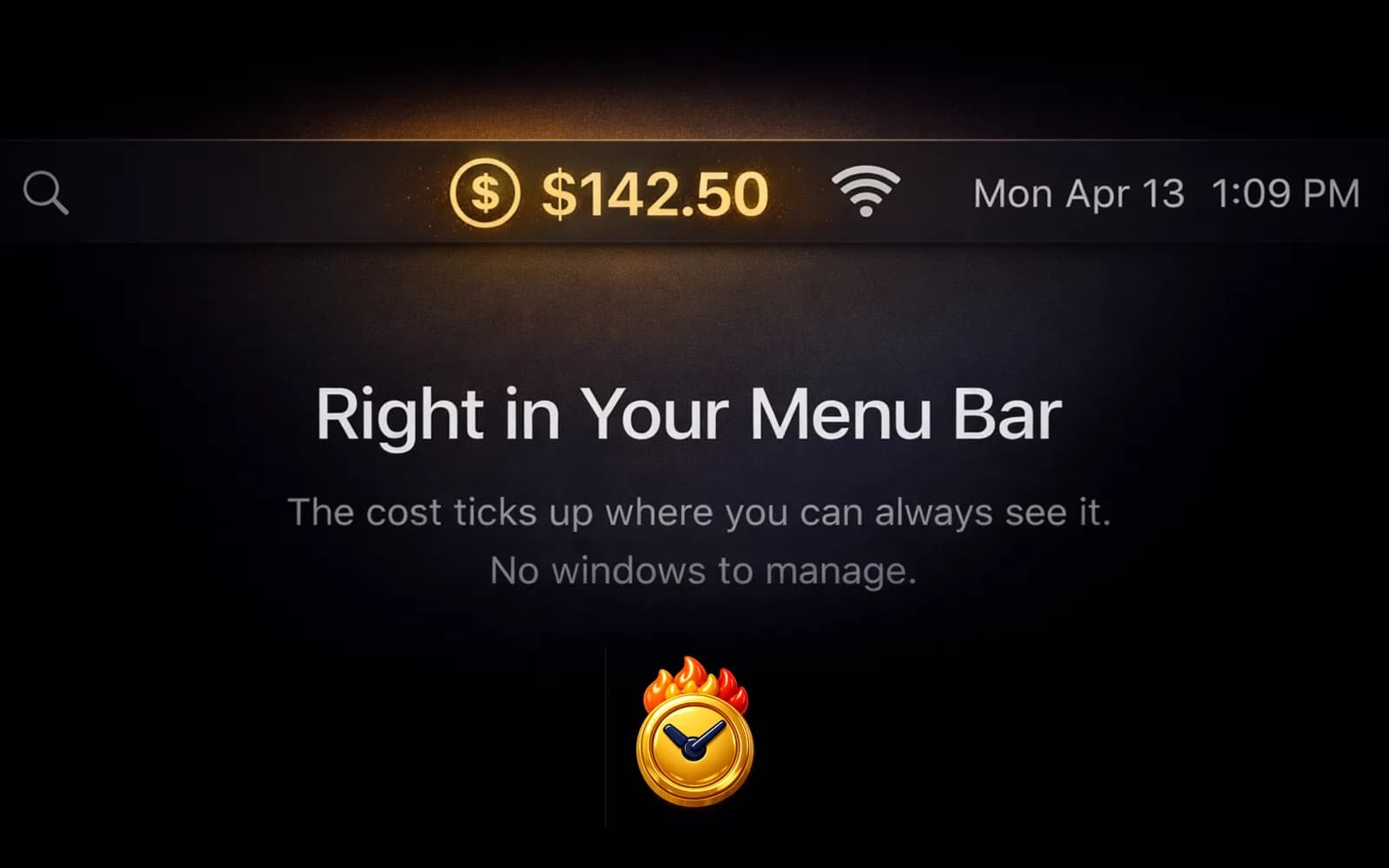
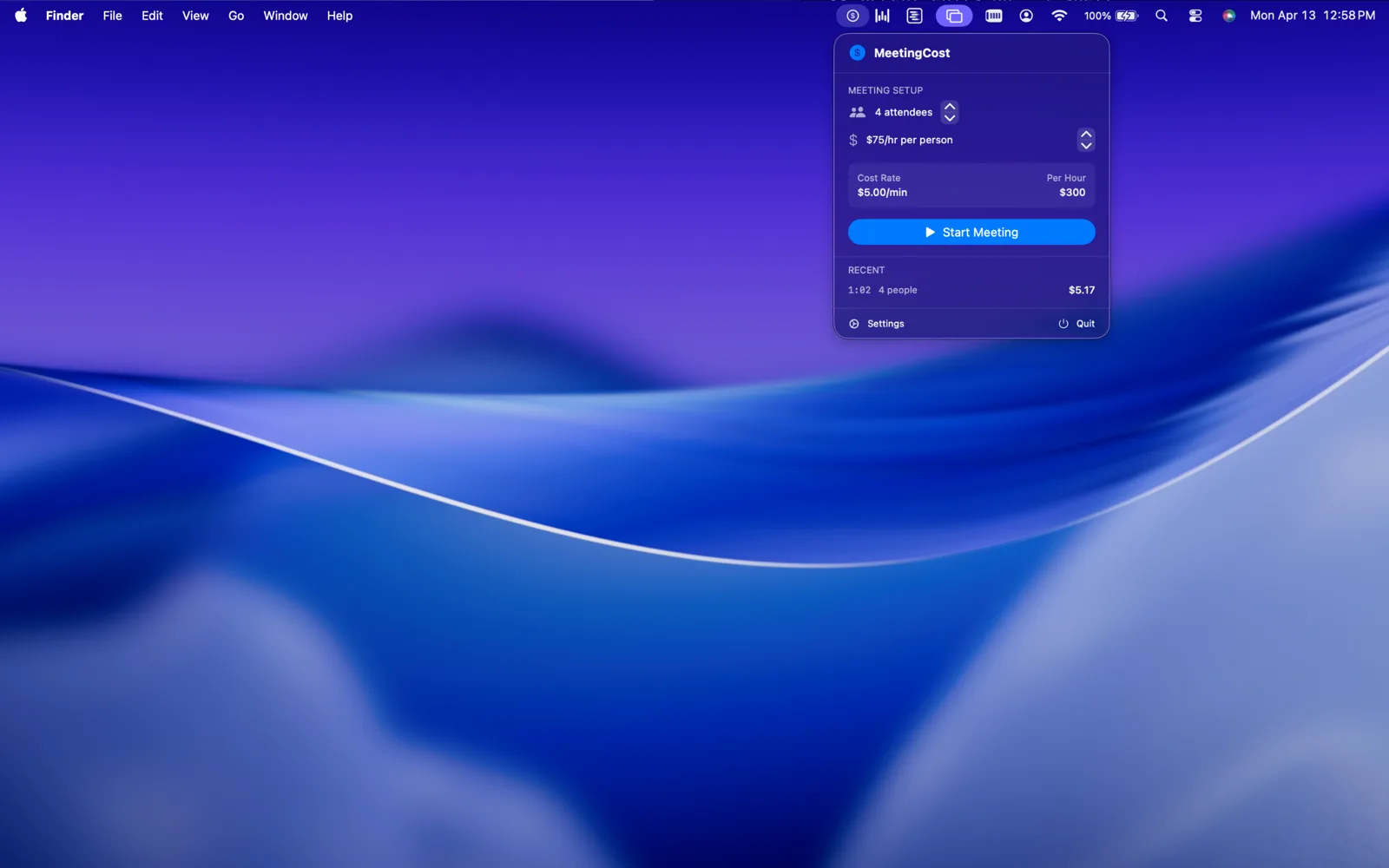
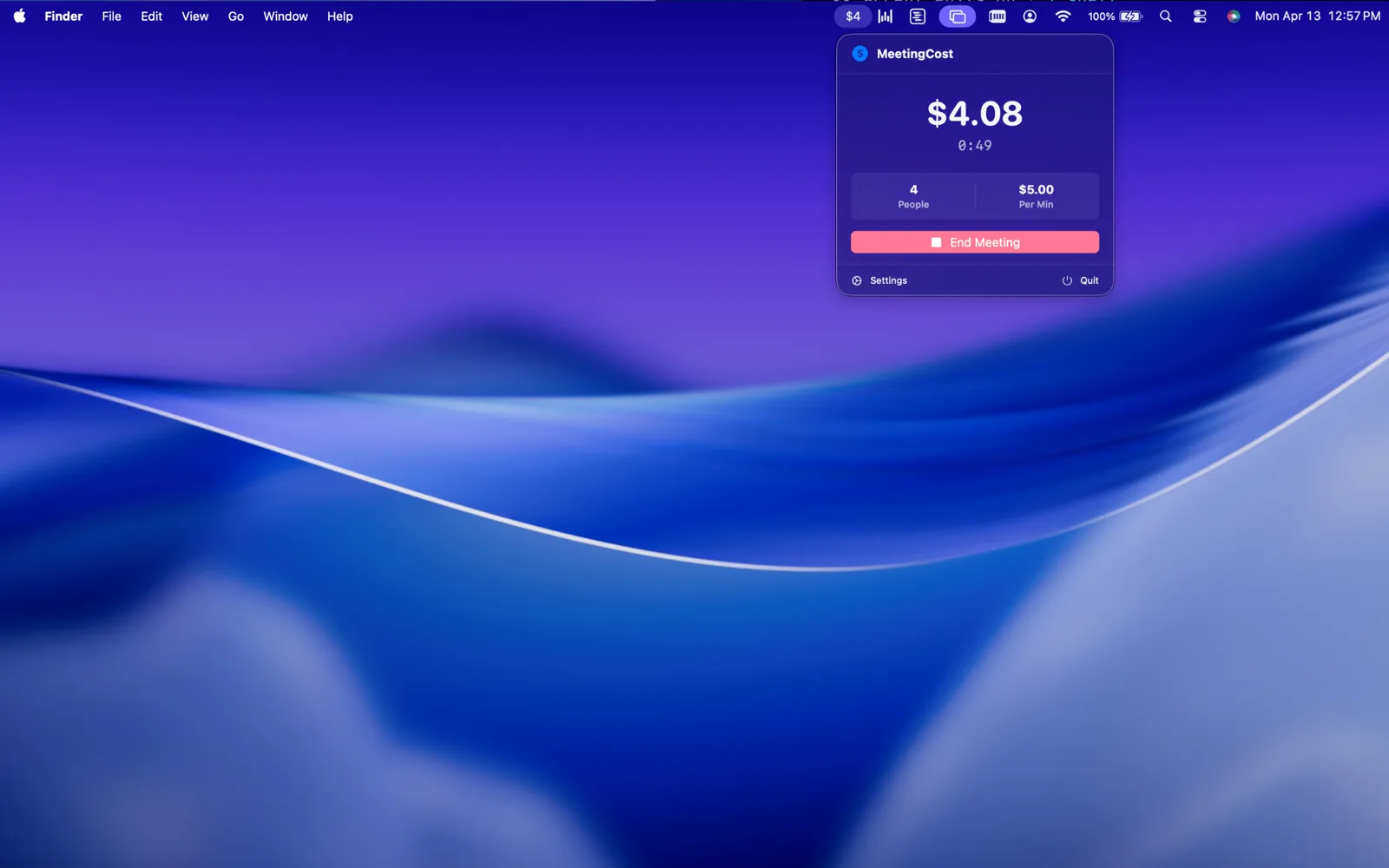
MeetingCost lives in your menu bar and calculates the real-time cost of any meeting. Set the number of attendees and average hourly rate, hit start, and watch the dollars tick up. Because time is money, and meetings should prove they're worth it.
Features
Live Cost Ticker
Watch the meeting cost accumulate in real time right in your menu bar.
Configurable Rates
Set attendee count and hourly rates to match your team.
Session History
Track total meeting costs over time with automatic session logging.
Meeting Templates
Save team presets for recurring meetings with different rate configurations.
Export Session Data
Export meeting cost data as CSV for expense tracking (Team Features).
Menu Bar Native
Minimal, native macOS menu bar experience. No dock icon.
Fully Offline
No network access. No accounts. Just math.
System Requirements: Requires macOS 14+
Privacy
Stores meeting data locally. No personal info collected. No analytics or network access.
Read full privacy policyFAQ
MeetingCost lives in your menu bar. Look for the dollar sign icon.
Click the menu bar icon, set attendee count and hourly rate, then click Start.
Custom role presets with different hourly rates, saved meeting templates, and CSV export.