
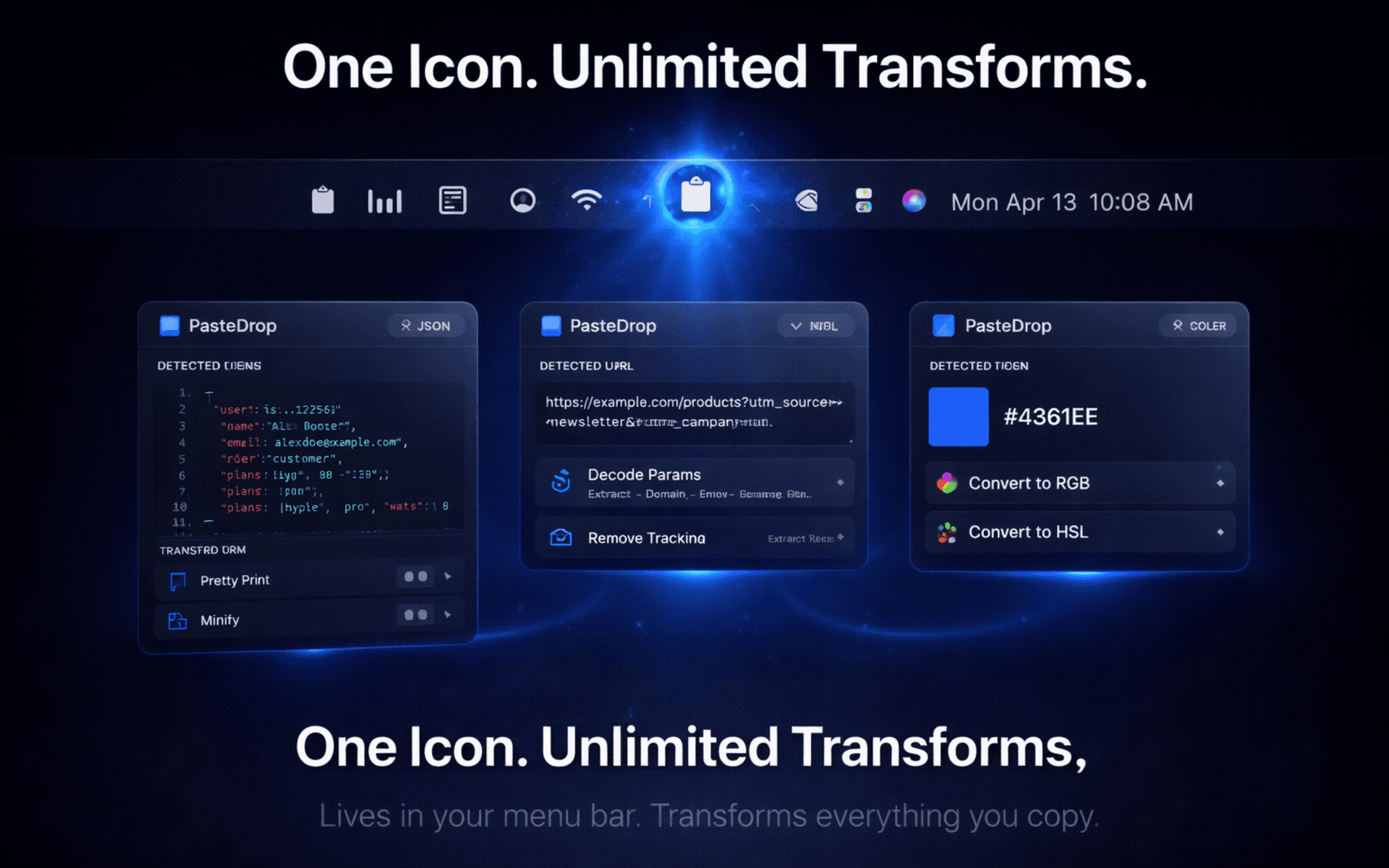
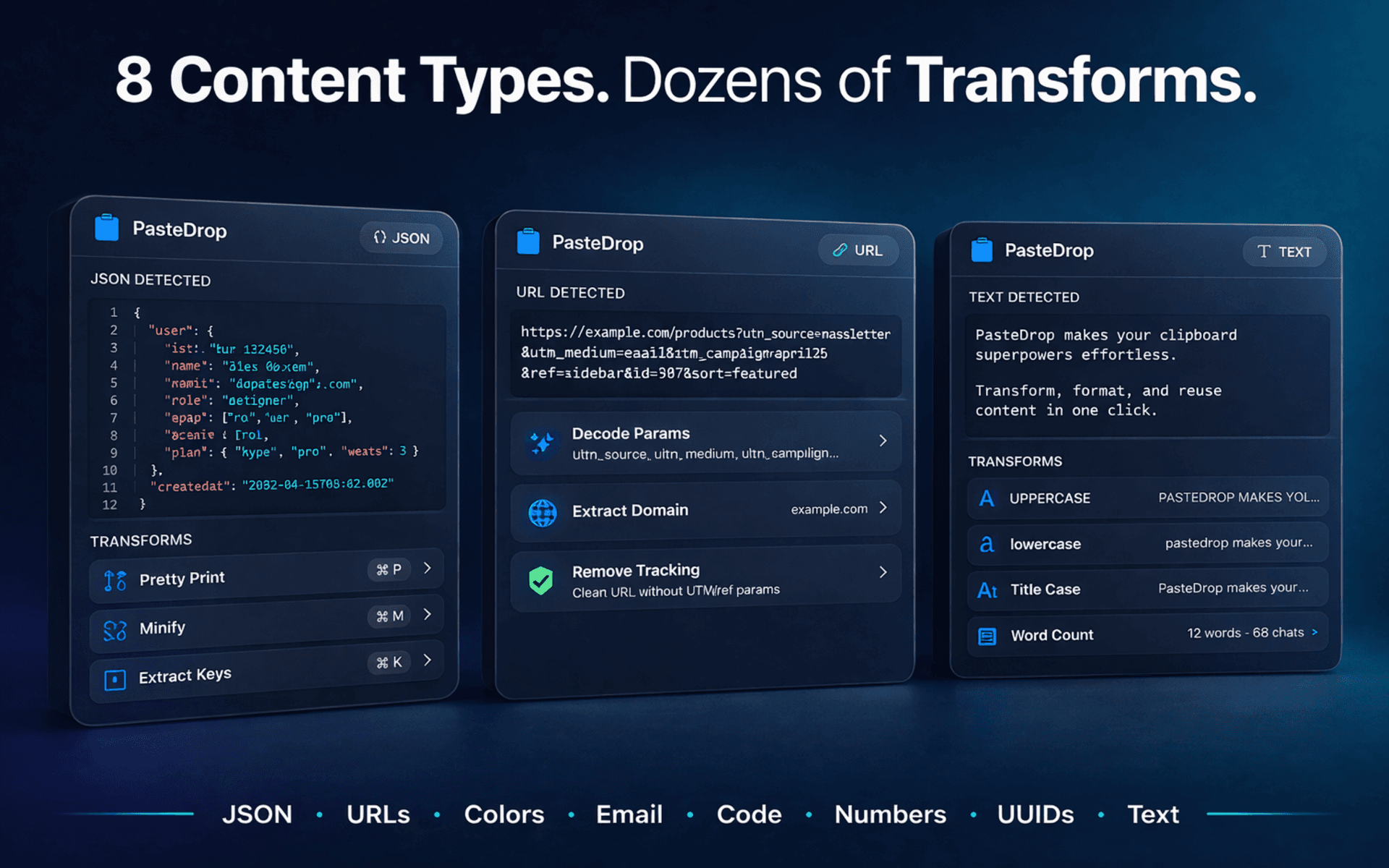
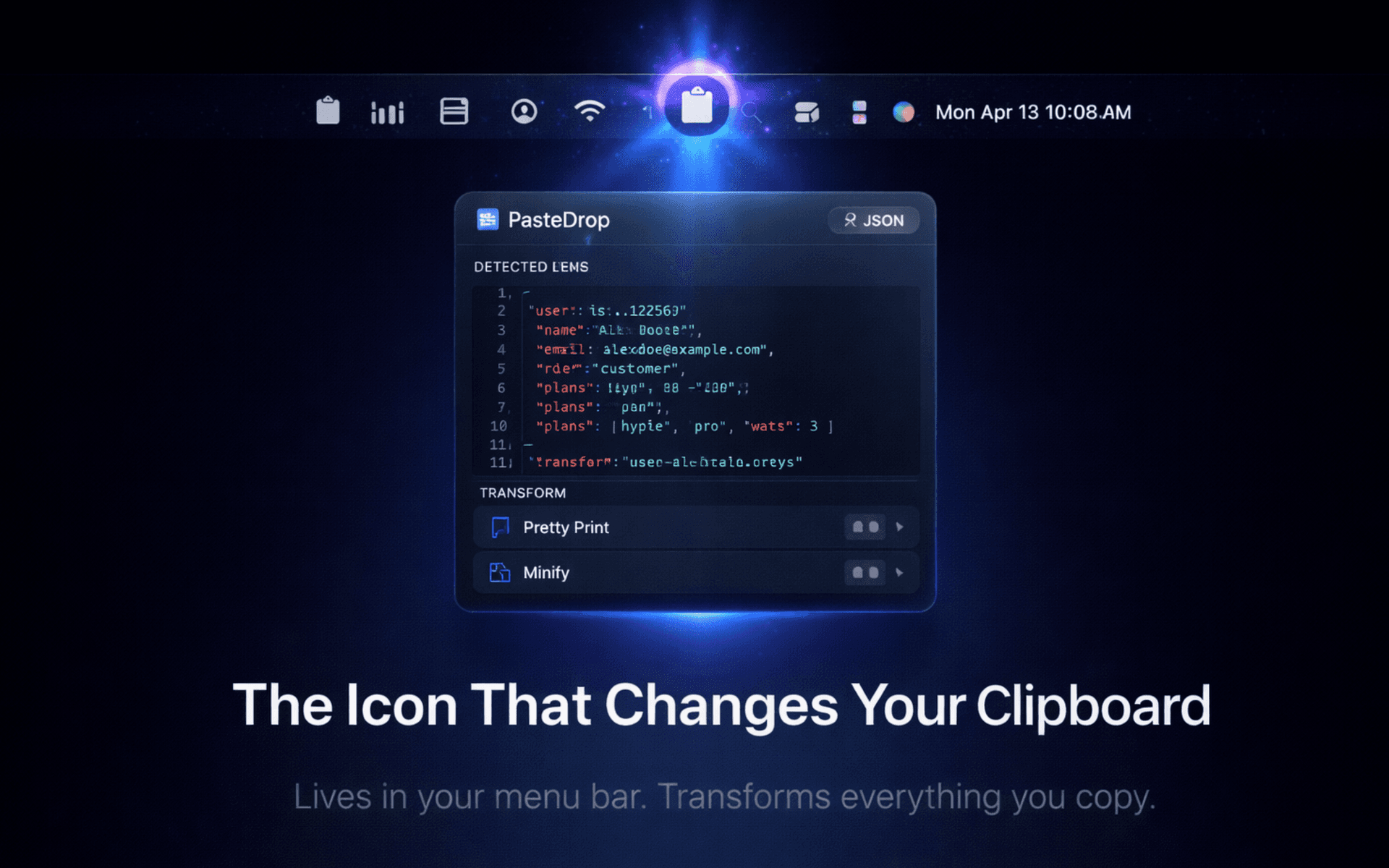
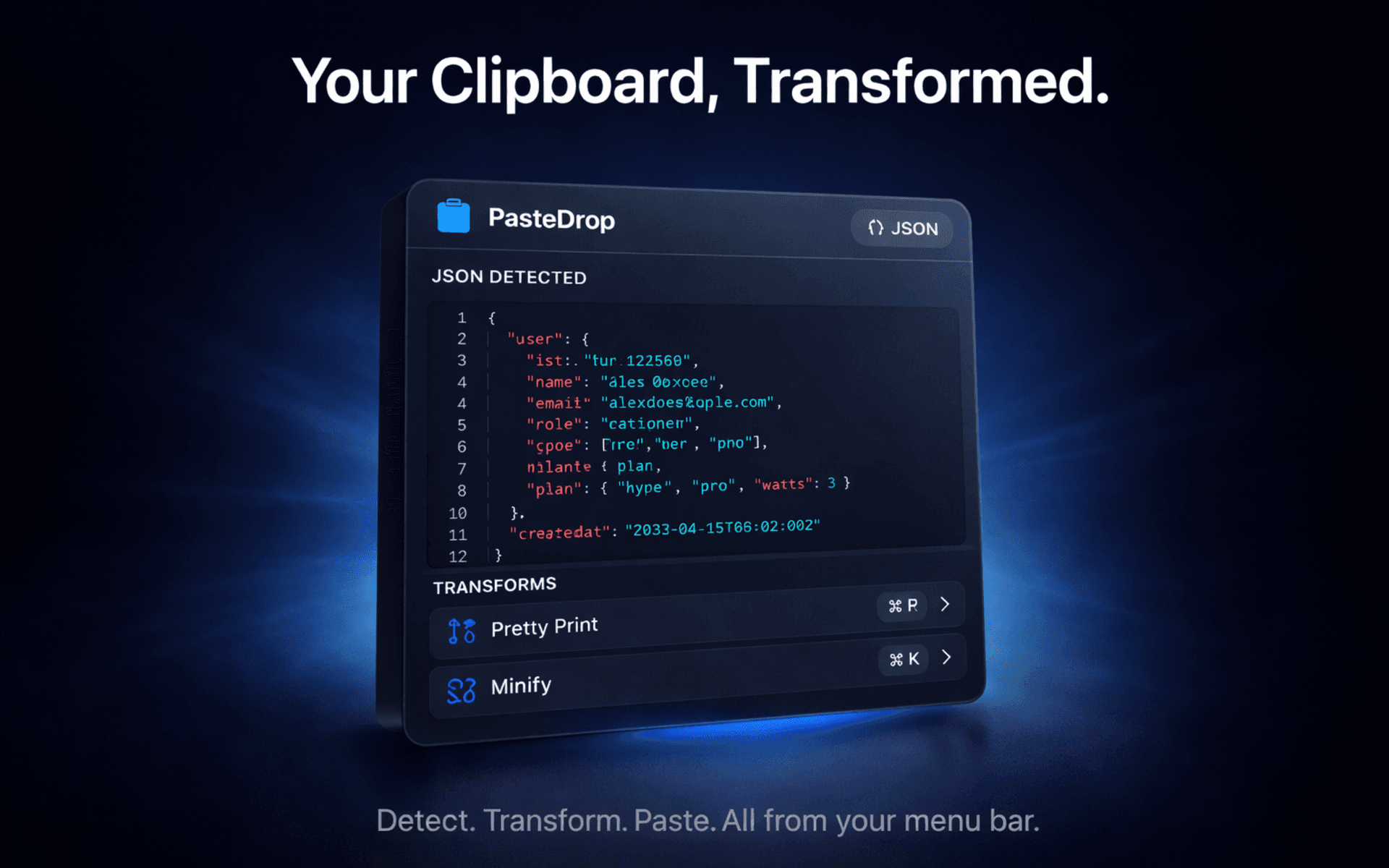
Your clipboard is smarter than you think. PasteDrop lives in your menu bar and instantly detects what you've copied, JSON, URLs, hex colors, email addresses, code snippets, numbers, UUIDs, and plain text. Then it offers one-click transformations tailored to that content type.
Features
Automatic Content Detection
Instantly identifies JSON, URLs, hex colors, emails, code, numbers, UUIDs, and plain text.
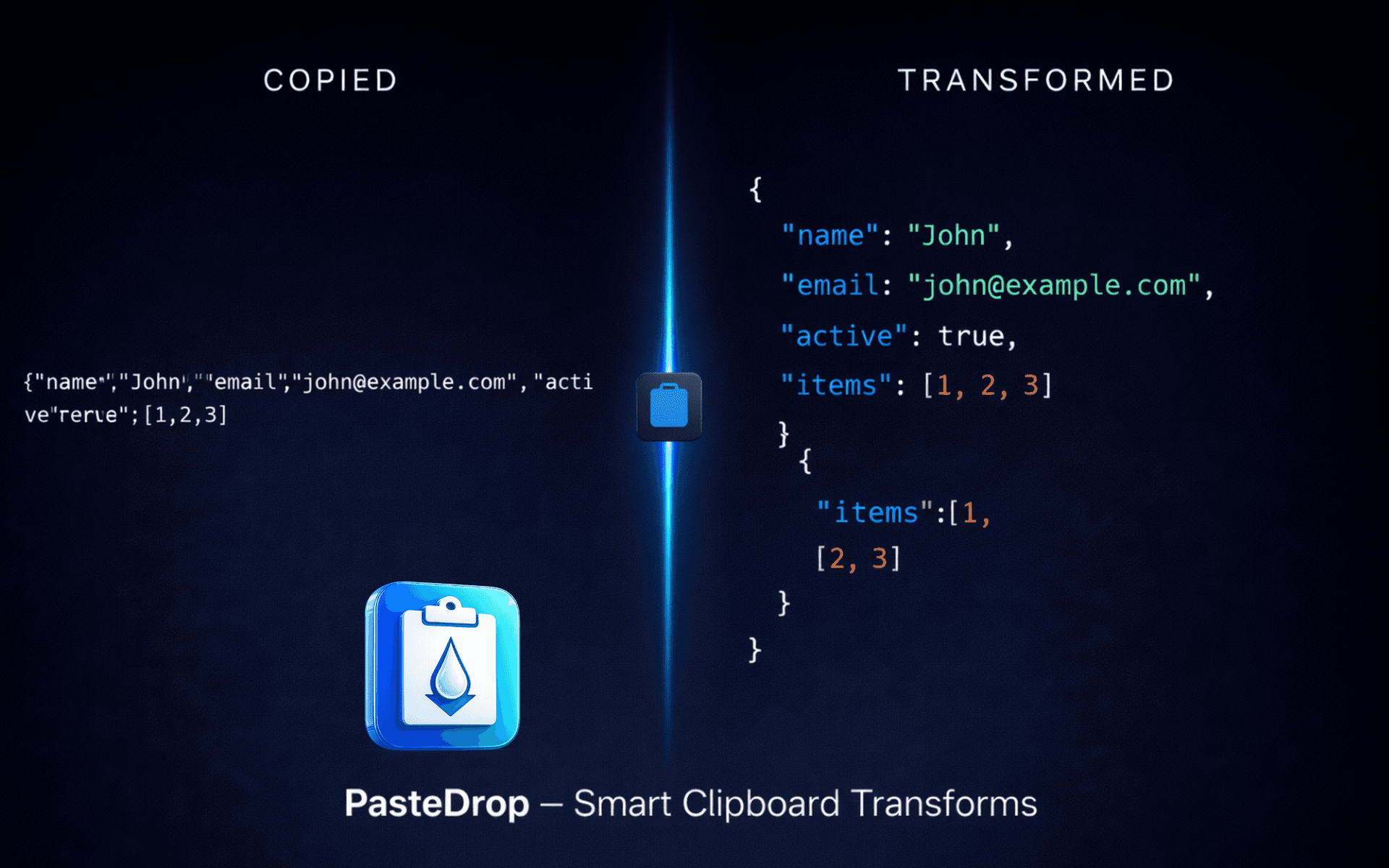
JSON Pretty-Print & Minify
Format, compress, or convert JSON with a single click.
URL Parameter Decoding
Decode URL parameters and strip tracking queries automatically.
Hex Color Preview
Preview colors and convert between RGB, HSL, and SwiftUI formats.
Code Case Conversion
Switch between camelCase, snake_case, kebab-case, and more.
UUID & Encoding Tools
Generate and validate UUIDs. Base64 and URL encode/decode.
Menu Bar Native
Lives in your menu bar for instant access. No dock icon clutter.
Fully Offline
No network access required. Your clipboard data never leaves your Mac.
System Requirements: Requires macOS 14+
Privacy
Reads clipboard locally only. No data leaves your Mac. No analytics, accounts, or network connections.
Read full privacy policyFAQ
PasteDrop lives in your menu bar (top of screen). Look for the clipboard icon.
Copy new content to your clipboard, then click the PasteDrop icon. It reads the clipboard when you open the popover.
No. PasteDrop works entirely offline. Your clipboard data never leaves your Mac.